How Clients Can Change Email or Mobile on MFCentral (Guide for MFDs)

Clients often stop receiving statements, OTPs, or CAS when they change their email or phone number but don’t update folios. Since MFCentral routes requests to both CAMS and KFintech, it’s the fastest way for investors to apply changes across AMCs. This guide helps MFDs explain the exact steps, what the client sees, and where to track requests.
Before starting
Advise clients to ensure they can access both their existing and new email or mobile number to receive OTPs.
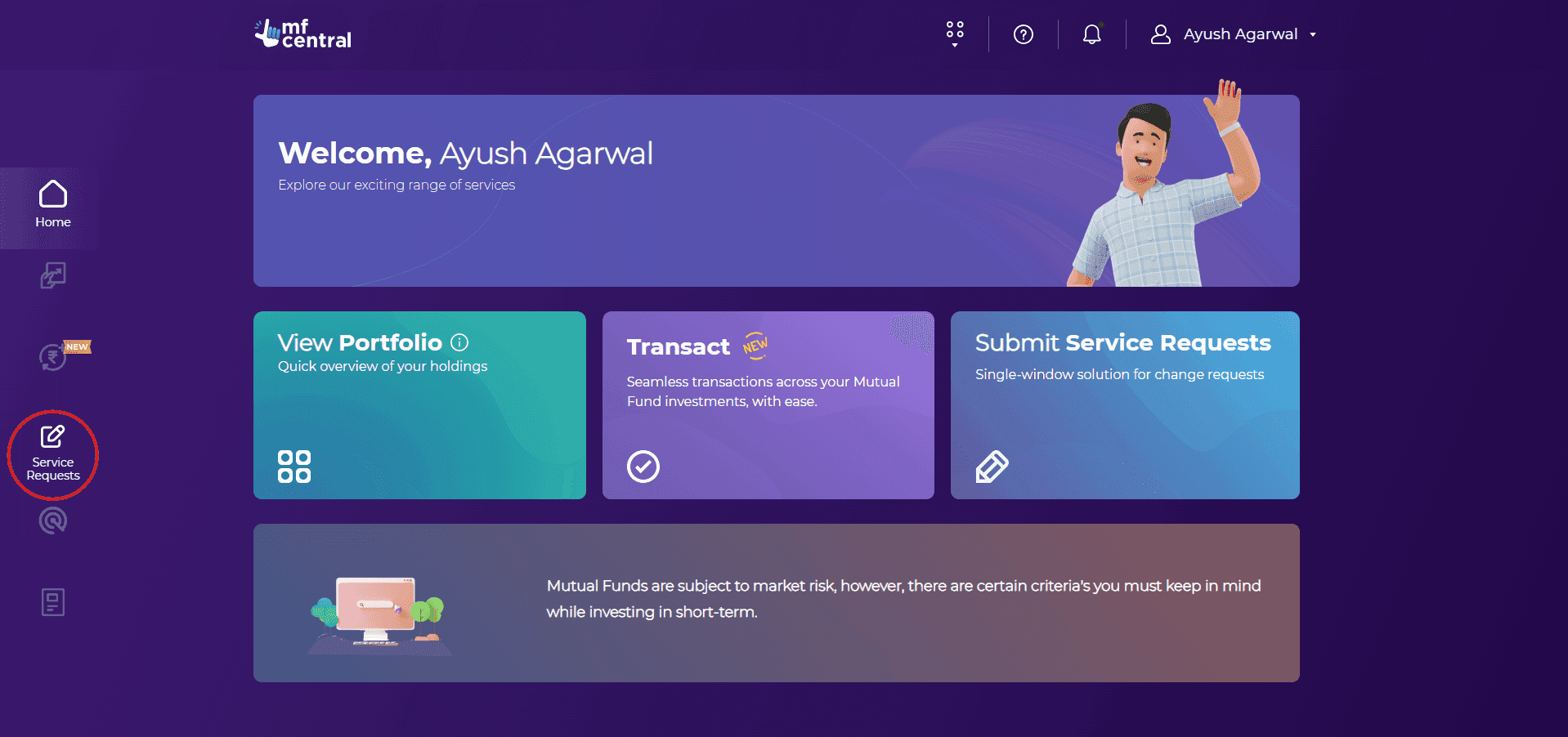
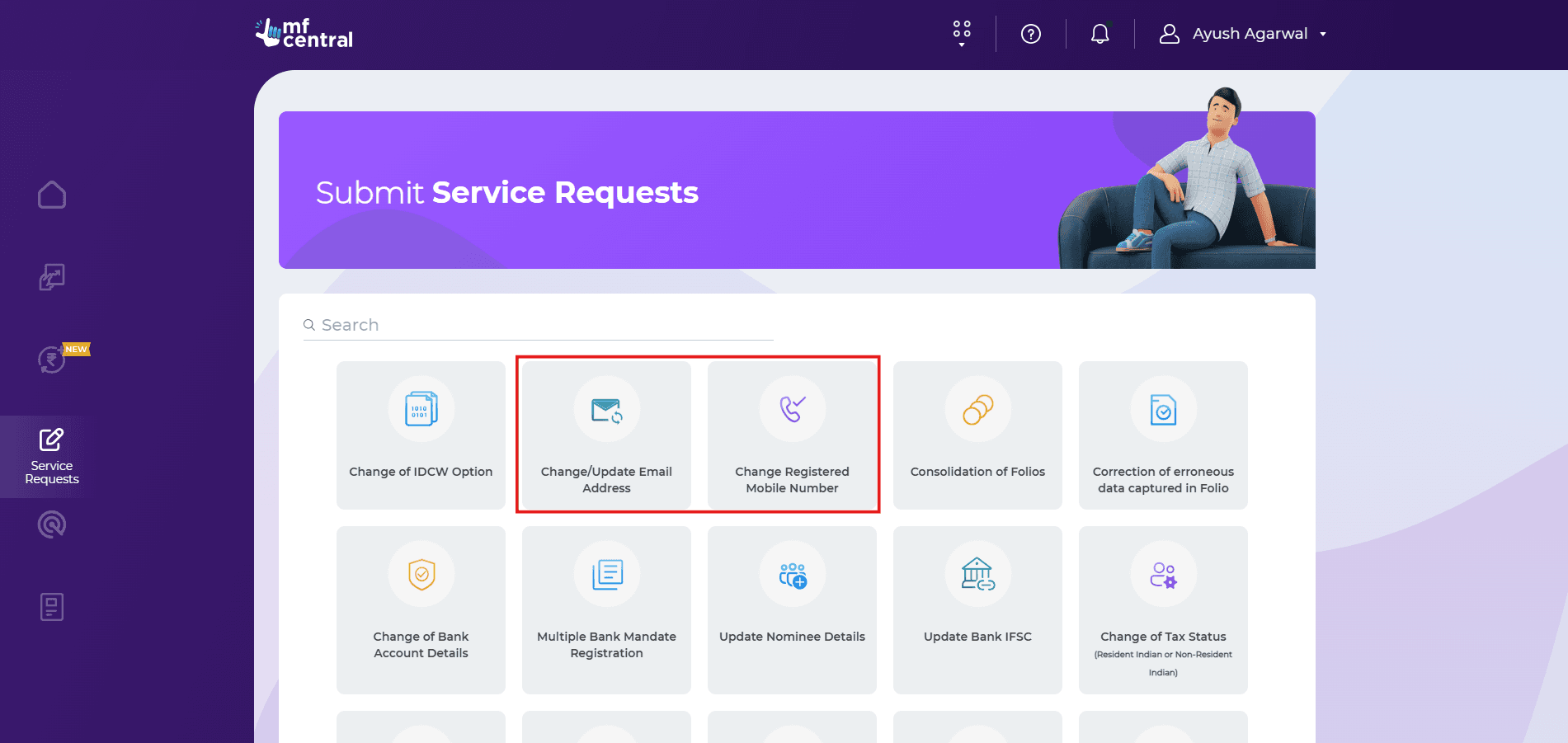
How to change email on MFCentral?
Log in and go to Service Requests → Change Email Address.
A note appears: “The new email ID will be updated across all folios.” The screen lists fund houses, folios, holder name, and registered email.
Click Submit.
Enter the OTP received on the existing email.
Enter the new email and select the relationship.
Enter the OTP received on the new email.
A confirmation message appears with a reference number (e.g., XXXXXXXX) and asks the client to re-login.
After logging in again, the updated email will reflect under Profile.
How to change mobile on MFCentral?
Go to Service Requests → Change Registered Mobile Number.
Enter the new mobile number and relationship.
Enter the OTP received on the new mobile.
The screen displays the client name, existing mobile, folios, and fund houses.
Enter the OTP received on the registered email.
A success message appears with a reference number (e.g., XXXXXXXX).
If the client doesn’t have access to the old mobile:
MFCentral offers an offline scan-based route, where the client submits a signed request. The change is processed after signature verification.
How to track change requests on MFCentral?
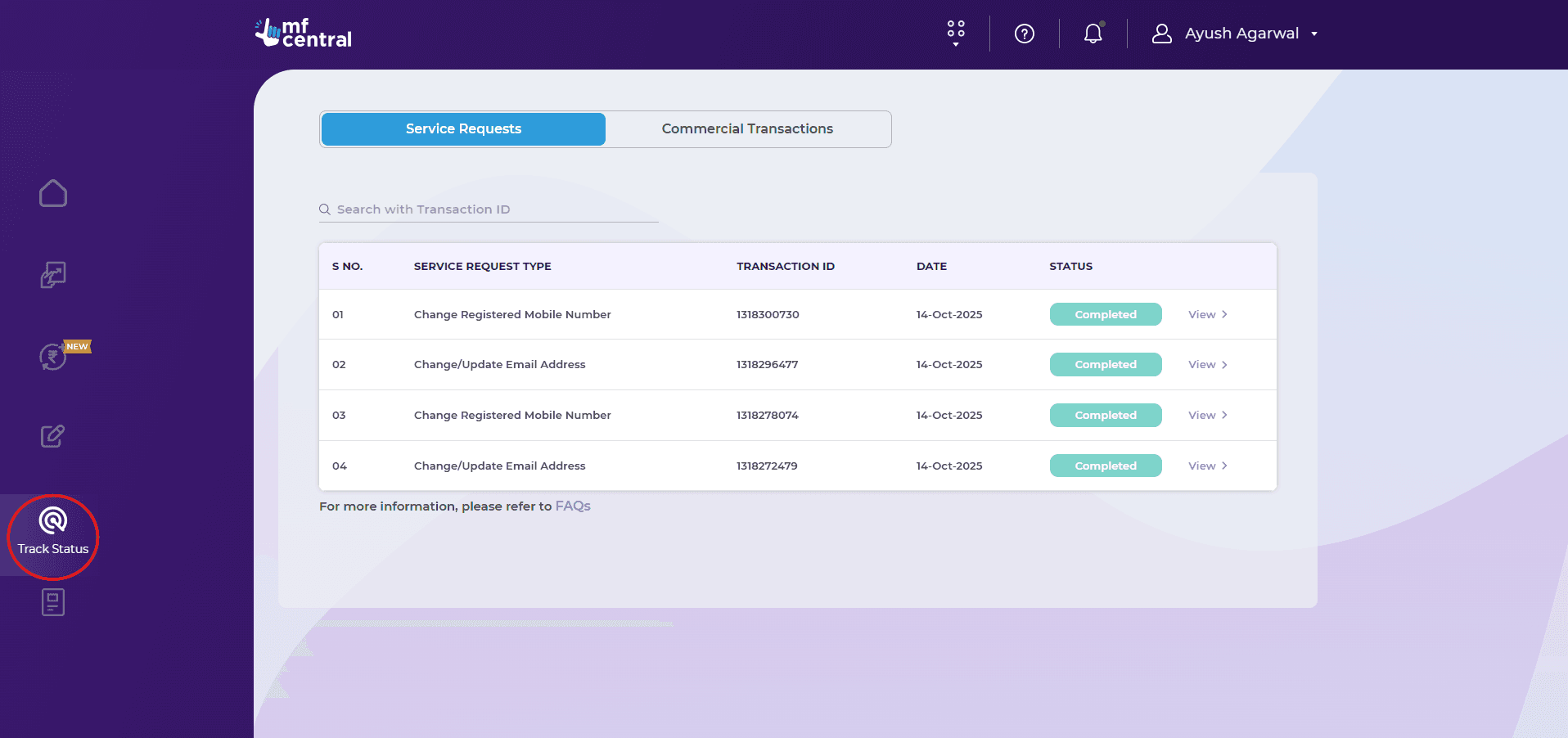
Clients can check the status anytime under the Track Requests tab.
They will see:
• Request Type
• Transaction ID
• Date
• Status
Each entry opens to show the folios and fund houses covered.
FAQs
Q: Why can’t clients change email or mobile for only some folios?
A: MFCentral applies the same email and mobile across all folios to ensure uniform CAS delivery, OTP access, and communication through RTAs and AMCs.
Q: Why do clients authenticate using OTP for both old and new email IDs?
A: MFCentral verifies the holder’s control over the registered email and confirms that the new ID is reachable before applying the change across folios. This prevents errors and mismatches at the RTA level.
Q: Why is an OTP to email required when changing mobile?
A: MFCentral authenticates service requests through both existing channels. This double check prevents unauthorized changes before details are updated across folios.
Q: Do clients need to re-register after changing their mobile?
A: No. Once OTP verification or the offline scan-based flow is completed, MFCentral automatically recognizes the new number.
Q: What if the client has lost access to the old mobile?
A: They can opt for the offline scan-based method. The change is completed after signature verification.
Changing contact details shouldn’t lead to missed statements, OTP failures, or back-and-forth with RTAs. When clients use MFCentral correctly, updates go through in one request and communication remains uninterrupted.
Want to simplify investor servicing? Use Creso to manage clients in one place - sign up and onboard clients on Creso now.